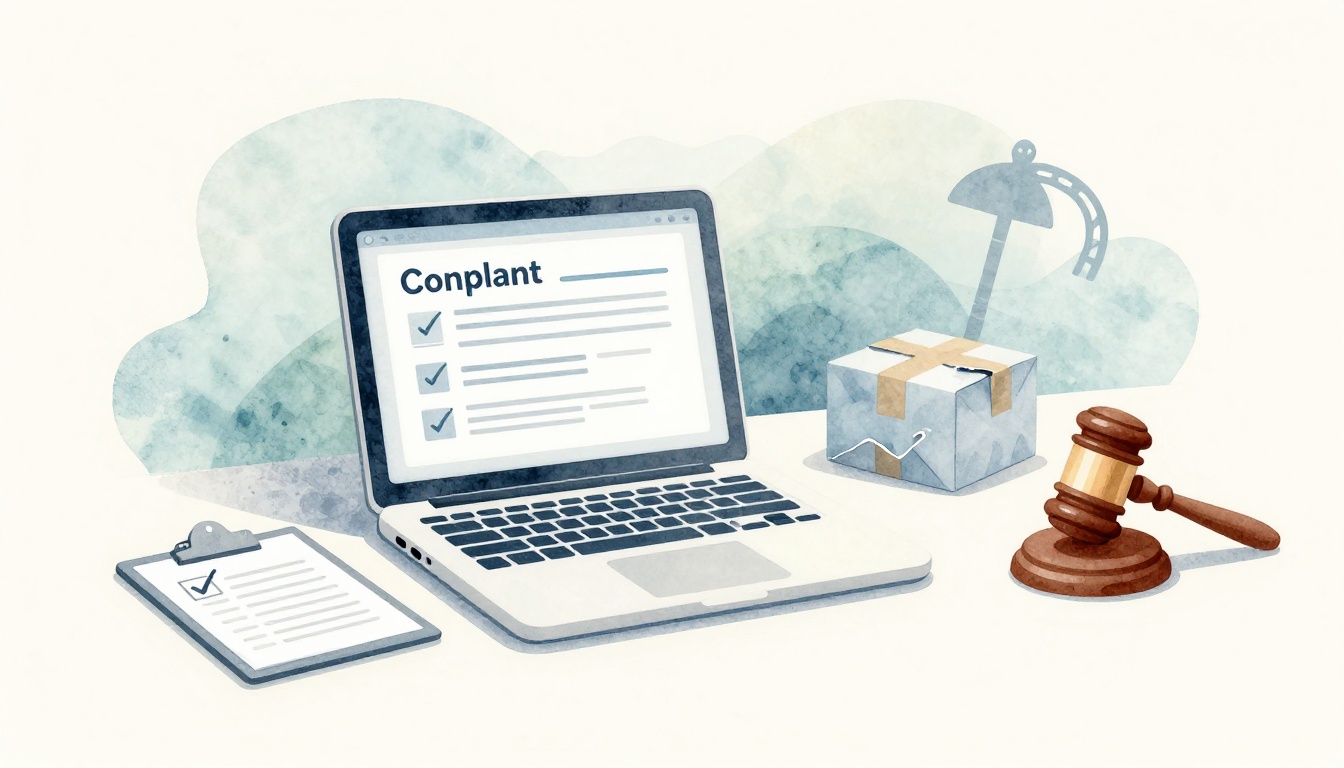
Getting burned by an online seller is frustrating. Maybe the item showed up damaged, didn’t arrive at all, or looked nothing like the listing. When that happens, filing a complaint against a seller matters, because it helps you get your money back and it pushes bad sellers to stop.
If you file in the right order, you usually get results faster. First, contact the seller directly. Next, use the platform’s dispute tools (these often come with guarantees). After that, escalate to agencies if the platform stalls or the seller goes silent. Finally, follow a few pro moves so your case doesn’t get ignored.
This guide walks you through practical, updated steps for 2026. Keep your proof handy, use clear wording, and act within the time limits. Do that, and you’ll often see a refund or resolution sooner than you expect.
Spot a Complaint Worth Filing: Common Seller Problems That Qualify
Not every mismatch deserves a formal complaint. But plenty of real issues do. If you’re thinking, “Is this enough to escalate?” focus on two things: what went wrong and whether you can prove it.
Here are common problems that usually qualify for disputes and refunds:
- Item not as described: the color, size, model, material, or condition doesn’t match the listing.
- Never arrived (or tracking is misleading): you paid, but the package never shows up.
- Fake or counterfeit goods: the product claims a brand or origin it can’t back up.
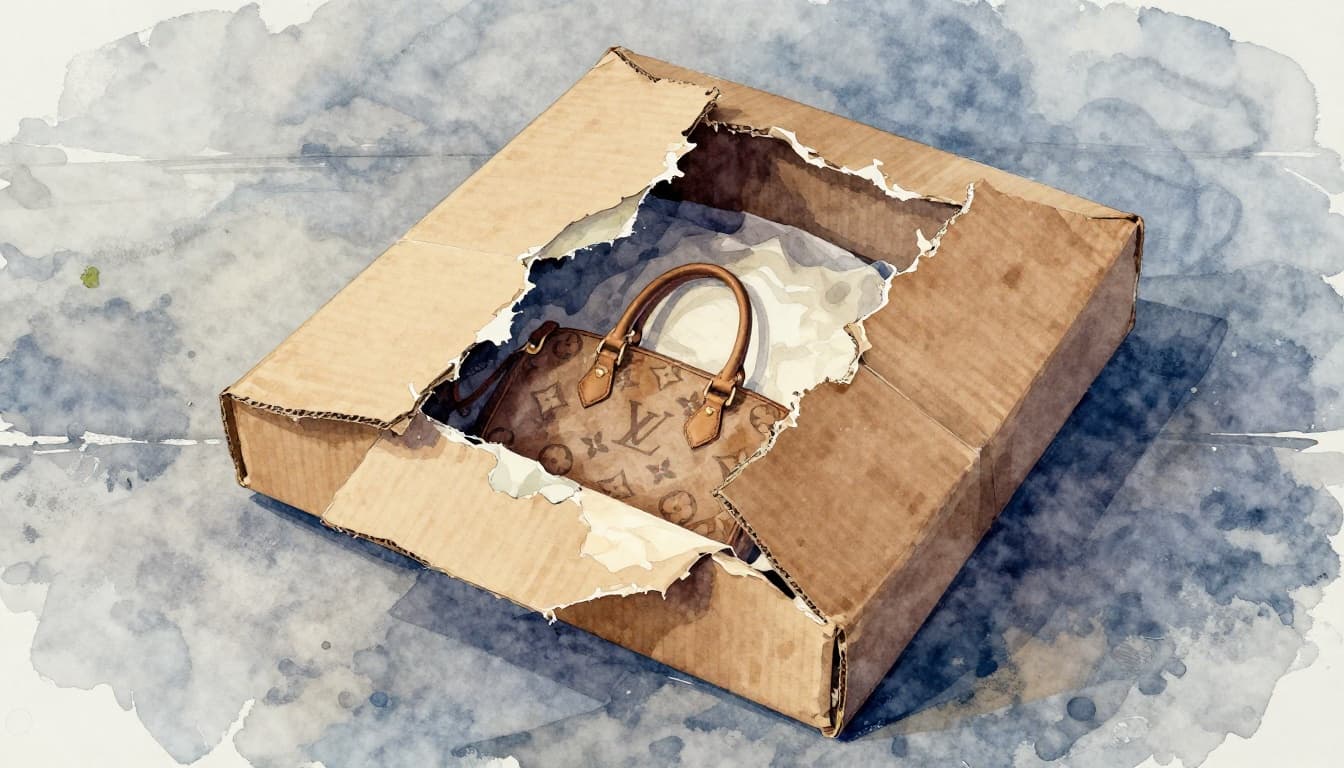
- Damaged on arrival: the item arrived broken, crushed, or unusable.
- Scam tactics: requests to move off-platform, “verification” scams, or surprise charges.
- Hard-to-honour returns: the seller blocks returns, refuses refunds, or keeps changing the rules.
A strong case usually includes proof like these:
- Screenshots of the listing and the seller’s description
- Photos or videos of the item (and packaging, if it matters)
- Order confirmation emails and chat logs
- Tracking numbers, delivery dates, and “out for delivery” updates
Timelines matter too. Many platforms require you to file within a window like 30 to 90 days, depending on the order type. So don’t wait until the last week. Start sooner while details are still fresh.
Also, many major marketplaces cover disputes under buyer protection programs. For example, Amazon’s A-to-z Guarantee can apply to qualifying orders when a third-party seller fails to deliver or the item has an issue, including requests submitted through the refund flow via Amazon’s A-to-z Guarantee refund instructions. eBay’s Money Back Guarantee policy similarly covers many cases where an item doesn’t arrive, is faulty, or doesn’t match the listing. And on Etsy, Etsy Purchase Protection focuses on orders that don’t arrive, arrive damaged, or differ significantly from what you were shown.
Step One: Reach Out to the Seller Directly for a Quick Fix
Platforms usually expect you to try the seller first. That doesn’t mean you should be polite to the point of silence. It means you give them one clear chance to fix the problem inside the platform record.
Write a short message with four parts. First, say what you ordered. Next, explain what went wrong (use facts, not rage). Then, say what you want: refund, replacement, or a return label. Finally, set a deadline, like 48 hours, and attach proof.
Screenshots help a lot. Capture the order page, the listing, the shipping/tracking info, and any message threads. Also include photos of the item and packaging when the issue is damage or “not as described.” If the seller asks for odd steps, ask for the fix instead.
If you don’t hear back, or they refuse after you’ve offered a fair solution, you’re ready for platform tools. That shift is important. It shows you’re no longer negotiating privately, you’re using the dispute process designed for buyers.
If you can’t explain the issue in a few sentences, you probably don’t have clear proof yet. Gather receipts first.
Platform Power: Exact Steps to Complain on Amazon, eBay, Etsy, and Walmart
Once you hit a dead end with the seller, use the platform’s dispute tools. They’re built to sort out “didn’t arrive,” “not as described,” and “damaged” issues. Also, these tools keep everything in one place, which helps reviewers make decisions faster.
Below are practical steps for the most common marketplaces. Take screenshots as you go. Each screenshot becomes part of your timeline.

Amazon: Use Your Orders to Trigger a Fast Refund
Amazon often resolves issues through the customer “Problem with order” path. Start there before you escalate.
- Log in and go to Your Orders.
- Select the order and click Problem with order.
- Pick the issue type, then choose Request refund (or return, if that fits).
- If the seller response stalls, follow Amazon’s escalation options inside the order flow, especially if you don’t get help within about 48 hours.
If you need the exact wording for the process, Amazon explains the A-to-z Guarantee refund path in Request an A-to-z Guarantee Refund. Still, don’t wait for reading time. Use what’s on your order page and submit your request while evidence is ready.
Tip: Screenshot every choice you make, especially the option you selected. It helps if you later need to explain your case.
eBay: Open a Case Under Money Back Guarantee
On eBay, disputes move through the Resolution Center after you open a case. The goal is simple: get the case in motion with proof.
- Go to Purchase History (or My eBay).
- Select the item and choose the option that fits your issue, like “item didn’t arrive” or “item not as described.”
- Open the case and upload evidence (photos, messages, tracking).
- Respond quickly to any messages. If you’re waiting on a decision, eBay’s process typically moves on a fast schedule, often within 48 hours, depending on the case.
If you’re unsure about opening the case itself, eBay’s community has a helpful overview under Opening a case. Also review the coverage rules in eBay Money Back Guarantee policy so you pick the correct category.
Ebay cases often have filing deadlines based on delivery timing. As a rule, aim to file well before any “last day” you see in the flow.
Etsy: Report the Order for Buyer Protection
Etsy buyer protection is most useful when you clearly connect the issue to the order. Also, Etsy strongly encourages you to message the seller first.
- Open Purchases and Reviews.
- Choose the order and use Help with order to report the issue.
- If needed, file the case through Etsy’s process and upload evidence.
- If the seller doesn’t fix it, Etsy reviews for a refund when the issue fits eligible scenarios.
For a clear view of what Etsy covers, read Etsy’s Purchase Protection Program. Etsy also has guidance on how to proceed when you need help resolving the case, including the buyer side of the process in How to Resolve a Case from a Buyer.
Etsy often moves best when you keep your message factual and your uploads organized. Use close-up photos of the exact defect or mismatch.
Walmart Marketplace: Report Seller Issues Easily
Walmart Marketplace disputes can feel less familiar because Walmart’s model mixes Marketplace sellers with Walmart’s own systems. Still, you can report issues through their marketplace reporting channels.
- Go to your account and open the order details.
- Use the Need Help option or app chat to start a report.
- Submit the seller issue report for problems like suspicious activity, fake items, or stolen goods.
- If the issue involves counterfeit or brand/IP claims, use the special IP reporting route when it’s offered.
For urgent help, Walmart also lists a consumer support line at 1-800-925-6278. If the situation involves illegal activity, don’t delay contacting local authorities too. It’s not about “being dramatic.” It’s about handling safety and fraud properly.
If the seller asks you to contact them off-platform, treat that as a red flag. Use the platform record whenever possible.
Escalate Smartly: Hit FTC, BBB, and State Agencies When Platforms Fall Short
Sometimes a seller refuses, or a platform takes too long. That’s when escalation helps. It adds pressure and helps authorities spot patterns.
Before escalating, make sure you have the full story in one place. Pull your screenshots, order number, dates, and what you requested. Then file the complaint where it fits best.
In 2026, regulators also keep an eye on scam trends, including fake products, hidden fees, and “negative option” billing. Your report helps build that picture, even if you don’t get instant action.
FTC: Report Scams and Ripoffs Online in Minutes
For online scams and deceptive business practices, file with the FTC. It’s quick, and it gives the government a trail to analyze.
- Go to ReportFraud.ftc.gov – Federal Trade Commission.
- Answer a few questions about what happened and who sold it.
- Submit your report with dates and proof you have.
The FTC also explains why reporting matters in Why Report Fraud?. Even if the FTC can’t resolve your individual purchase like a court would, your story can help stop repeat schemes.
If you’re dealing with hidden charges or “free trial” traps, be extra clear about how you were billed and when the problem started.
BBB: Get the Seller to Respond Publicly
The BBB is useful when you want a business to answer in writing. It’s not a law enforcement agency, but it often pushes a response.
- Go to File a Complaint | Consumer Complaints | Better Business Bureau.
- Search for the seller’s correct business profile.
- Add your summary and what you want fixed, like a refund.
- Submit and then wait for the business response.
BBB timelines can vary. Still, it’s a solid step when the platform dispute stalls or the seller acts like they “never got your messages.”
Your State Attorney General: Local Help for Consumer Woes
If the seller is in your state, or you think the scam targets residents, your state attorney general may offer consumer complaint tools.
- Search “[your state] AG consumer complaint.”
- File through the online form or email guidance they list.
- Include dates, transaction info, and what you tried already.
Most AG offices ask you to try the business first. So make sure your seller message trail is ready.
Bonus Options: FBI IC3 for Cyber Scams or econsumer.gov for Foreign Sellers
If the issue involves identity theft, account takeover, or serious online crime, consider the FBI’s Internet Crime Complaint Center (IC3). Their public reporting supports investigations. You can also read the latest FBI IC3 overview in the FBI IC3 Annual Report.
If the seller is overseas, check international dispute reporting resources. The U.S. has guidance through consumer portals that can help when the seller is foreign.
Win More Complaints: 7 Battle-Tested Tips from 2026 Trends
Filing is step one. Getting a refund is the goal. The difference is often small details, not “big claims.”
Also, 2026 trends show more disputes involve fake products and sneaky billing. Review your timeline like a detective. Then write your complaint like a clear invoice, not a rant.
- Act fast inside the deadline. The earlier you file, the easier it is to get decisions.
- Use ironclad proof. Upload screenshots, photos, tracking, and message logs. Keep them in the right order.
- Stay factual. Describe what you received and how it differs. Avoid threats or insults.
- Track every case number. Save the email or confirmation page. Reply fast if the platform asks questions.
- Multi-file in the right places. Use the platform dispute first, then add FTC or BBB if needed.
- Be polite when you appeal. If you request escalation, your tone should stay calm and firm.
- Consider a credit card chargeback for big losses. For large amounts, contact your card issuer promptly and provide documentation.
Here’s the key mindset: treat your complaint like evidence in a case. You’re building a record that other people can review quickly.
Conclusion
That first bad delivery can feel personal, but a complaint doesn’t have to be chaotic. Start with the seller, then use the platform tools tied to your order. If that fails, escalate to the FTC, BBB, and your state attorney general with clear proof.
The best part is also the simplest: evidence beats emotion. When you act fast and stay factual, you give reviewers what they need to decide.
Pick your platform today, open the dispute, and upload your proof. Then keep escalating only if the seller or site doesn’t help. You’re not alone, and these steps often lead to quick refunds.